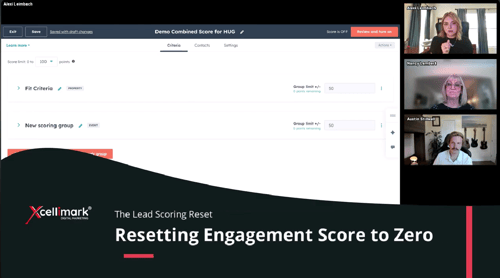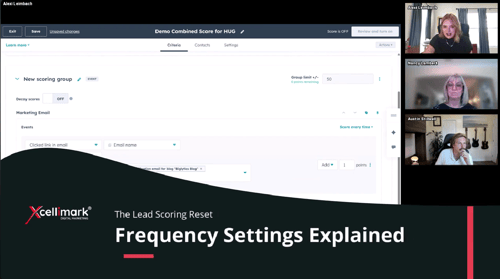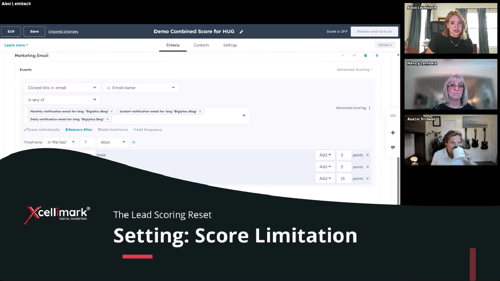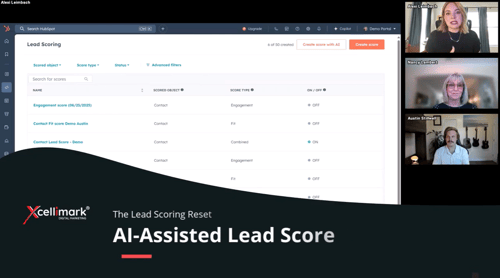
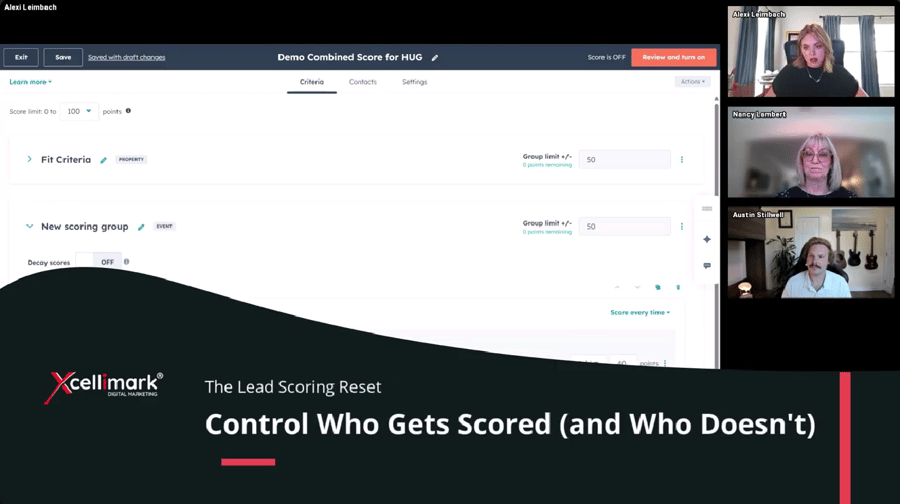
This video from Xcellimark explains how to use HubSpot's Lead Scoring Settings to specifically control which contacts get scored and which are excluded. Instead of relying only on negative scoring, users can now precisely segment their audience to focus on high-potential leads and avoid sales distractions.
Overview
Key Takeaways:
-
Exclude Specific Lists: You can exclude up to five lists from being scored entirely. A prime use case is excluding existing customers so they do not trigger irrelevant high-engagement alerts for the sales team.
- Include Specific Lists: Conversely, you can choose to score only specific lists, ignoring everyone else. This is useful for focusing strictly on a qualified Ideal Customer Profile (ICP).
- CRM Cleanliness: These settings help maintain clean CRM data and ensure sales reps focus on high-potential opportunities rather than unqualified leads or current clients.
Need help putting this into practice?