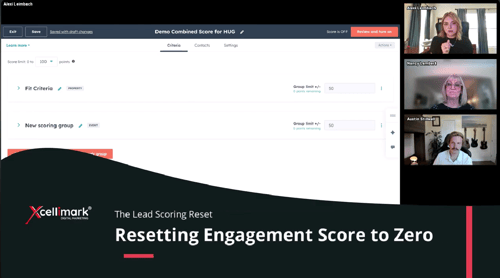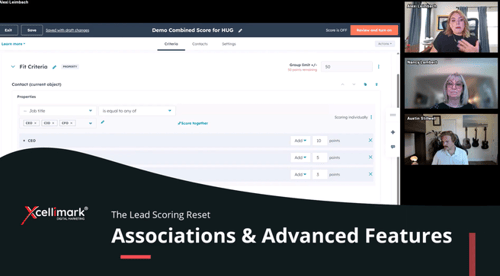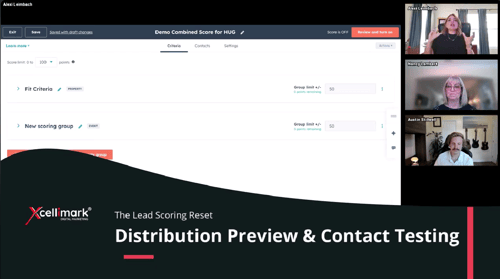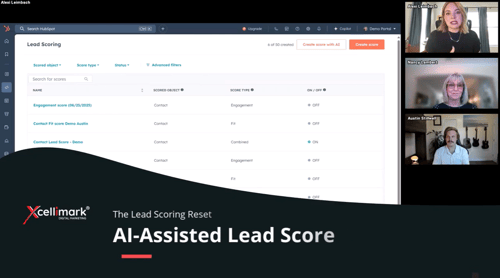
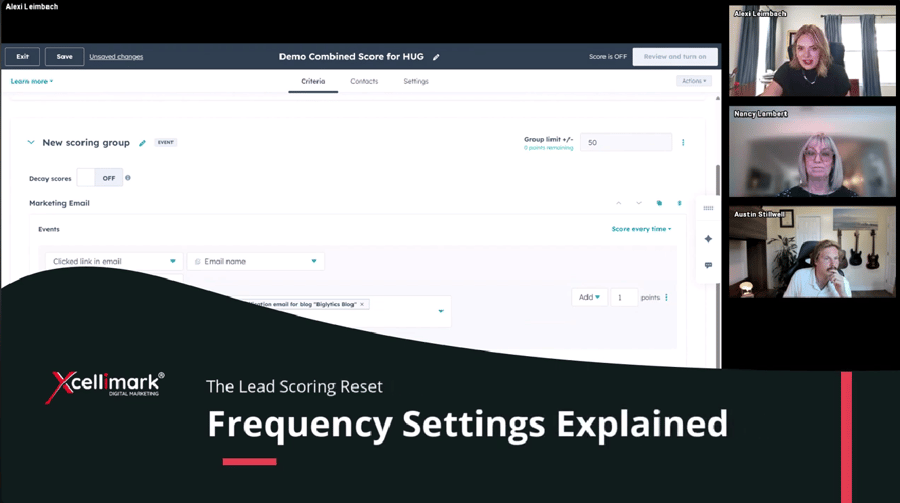
This video clip from the Xcellimark HUG event explains how to use frequency settings in HubSpot lead scoring to fine-tune how repeated actions impact a lead's score.
Overview
Key takeaways on frequency settings:
-
Setting Ranges: You can assign point values based on specific ranges of action frequency, such as awarding 15 points if a lead clicks an email link at least 10 times.
- Granular Control: You can define different point values for lower frequencies, such as awarding 5 points for clicks between one and nine times.
- Filtering Noise: Frequency settings help differentiate between genuine intent and excessive noise, such as filtering out inflated scores caused by too many email engagements.
Need help putting this into practice?