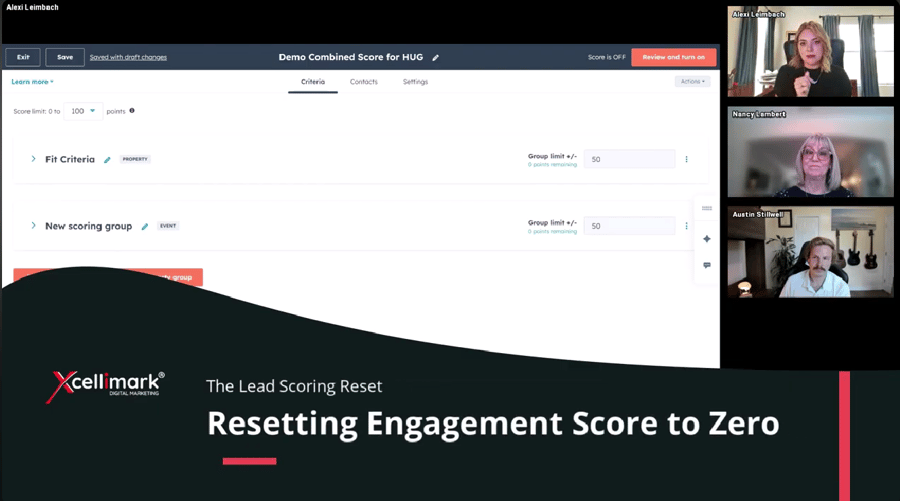
his video from Xcellimark training clip explains how and when to reset a contact's engagement score to zero in HubSpot when they go cold, such as after an unsubscribe, inactivity, or a closed-lost deal.
Overview
Here are the key takeaways from the video:
-
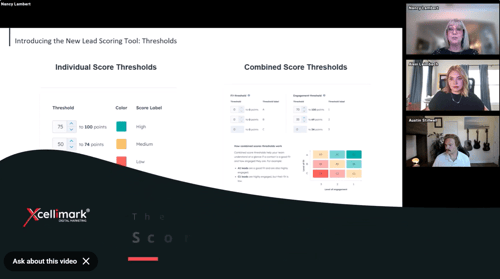
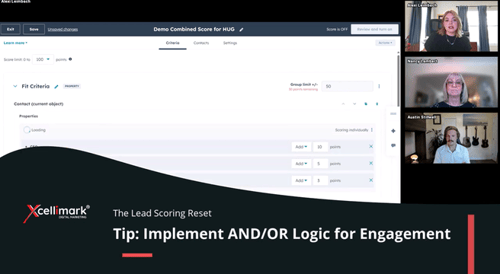
Engagement vs. Fit Scores: While you can reset engagement scores to zero, you cannot directly reset fit scores. If you use a combined score, resetting engagement will only remove the points generated by activity, leaving the points from fit criteria.
- Workflow Automation: To automate this, create a workflow with specific trigger criteria, such as "Deal stage is any of Closed Lost".
- How to Reset: Within the workflow editor, add an action under CRM and select "Reset marketing lead engagement score". If you have multiple scores, you may need to add this action multiple times to reset all of them.
Need help putting this into practice?