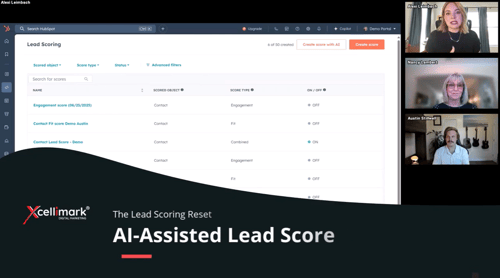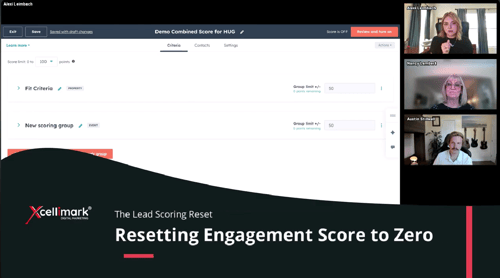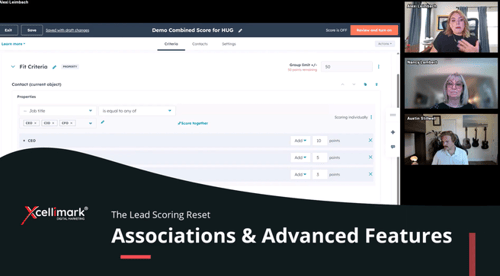
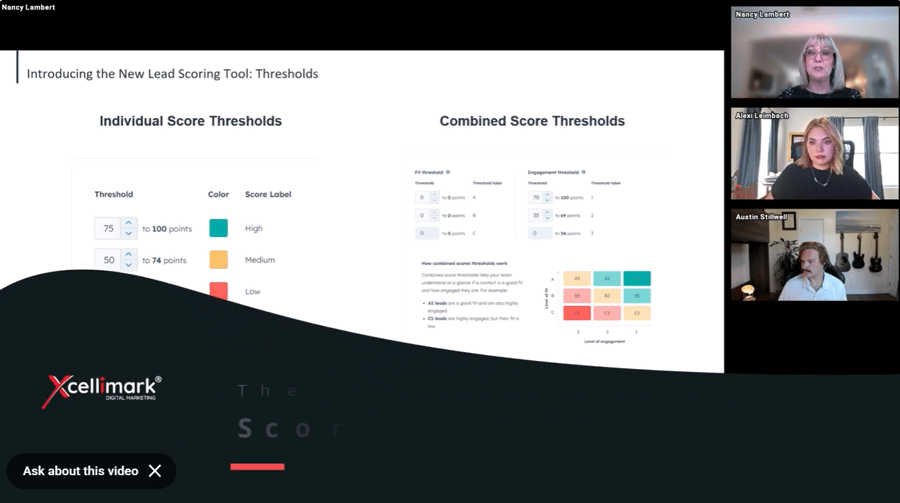
The video explains how to use lead scoring thresholds in HubSpot's new Lead Scoring tool.
Overview
Key points covered include
-
Individual score thresholds: These are used for scoring either "fit" or "engagements" separately.
-
Combined score thresholds: When both fit and engagement groups are used, HubSpot combines the scores.
-
Fit thresholds are scored from A to C, with A being the highest fit and C the lowest.
-
Engagement thresholds are scored from 1 to 3, with 1 being the highest engagement and 3 the lowest.
-
A combined A1 score indicates the highest fit and most engaged leads, while a C3 score signifies the lowest fit and least engaged.
-
-
Adjusting point ranges: You can customize the point ranges that determine whether a lead is classified as A, B, or C for fit, or 1, 2, or 3 for engagement, within the HubSpot settings. This allows you to tailor the scoring to your specific needs.
Need help putting this into practice?