Overview
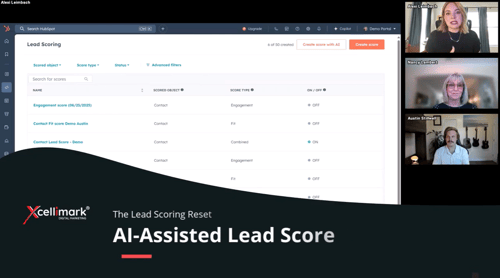
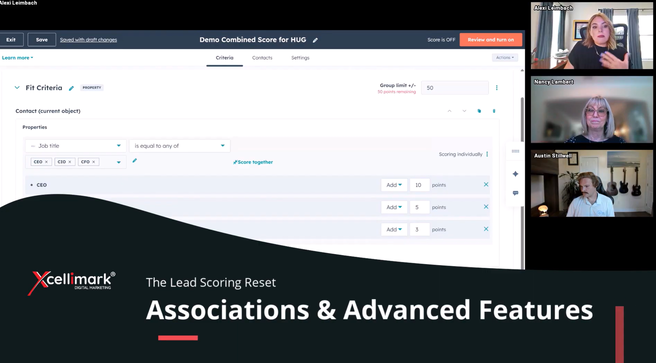
In this video we dig into the advanced association features in HubSpot’s new Lead Scoring tool — how associated objects (contacts ↔ companies ↔ deals) influence scoring models and what that means for your data strategy.
-
How associations impact fit, engagement and combined scores
-
Best‑practice use cases for scoring based on associated records
-
Common pitfalls and how to address them
-
Why associations matter if you’re scoring contacts, companies or deals
Key takeaways:
-
Adding Company Property Fields: You can add associated company property fields, like "number of employees," to your scoring model, similar to how you add contact property fields.
-
Advanced Association Settings: You can refine your scoring criteria by adding specific association labels (1:00) or applying filters based on company property fields, such as "industry."
-
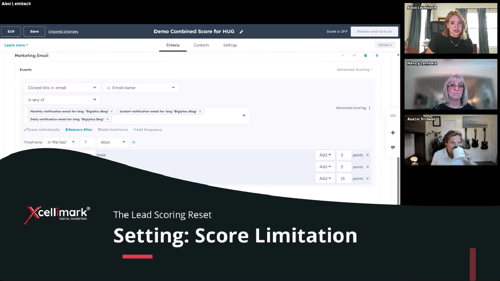
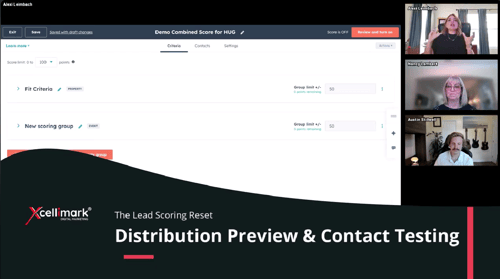
Managing Score Inflation: The video addresses the potential for score inflation when multiple associated records meet the criteria. You can control how scores are aggregated using options like "sum," "average," "minimum," or "maximum" to prevent scores from reaching the group limit too quickly.
Need help putting this into practice?