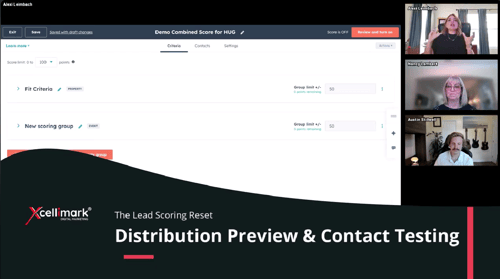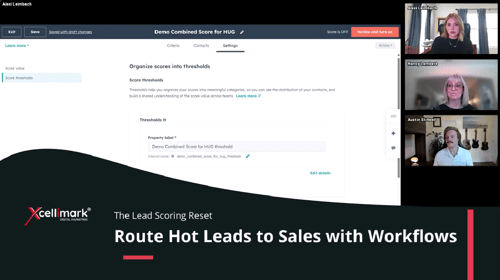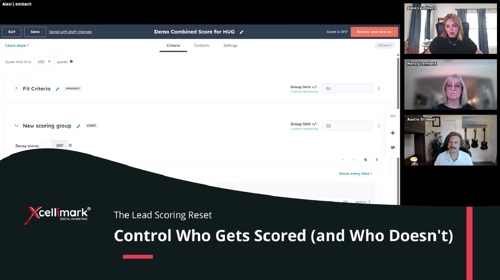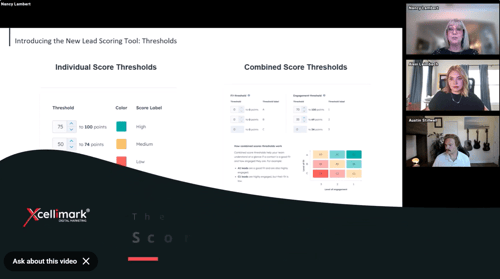
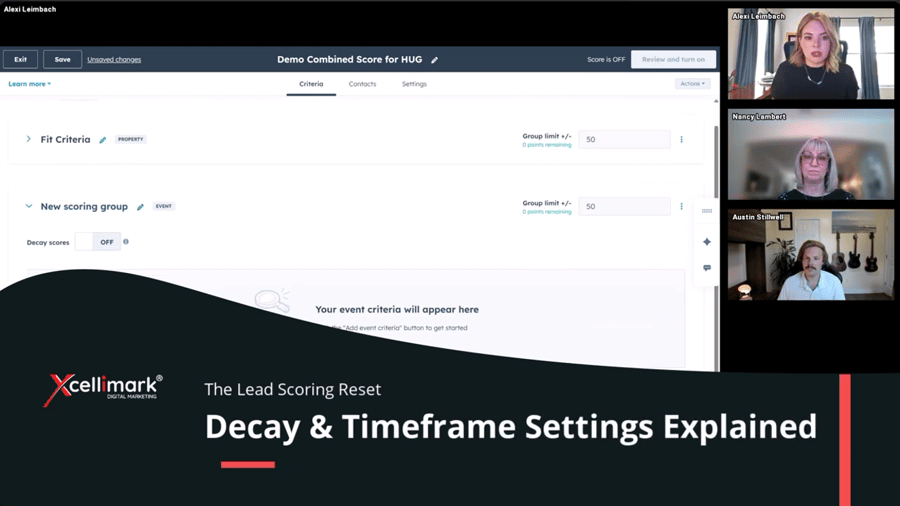
This video snippet from an Xcellimark event explains how to use decay and timeframe settings in HubSpot to create more accurate, time-sensitive lead scoring models. The goal is to ensure sales teams focus on current buyer behavior rather than stale engagement.
Overview
Key Takeaways:
-
Event Criteria: Unlike "fit" criteria, event criteria allow for applying time-sensitive scoring based on actions like email clicks or website visits.
-
Timeframe vs. Decay: These two settings cannot be used simultaneously for the same event group. You must choose one.
-
Timeframe: Allows you to assign points only if an action occurred within a specific period (e.g., in the last 7 days). After this period, the points are removed.
-
Decay: Provides a gradual reduction of points over time (e.g., losing 25% or 50% of the score after one month), rather than an immediate expiration.
-
Best Practices: Use these tools to ensure high scores reflect recent engagement, preventing old, irrelevant actions from making a lead look hotter than they actually are.
Need help putting this into practice?