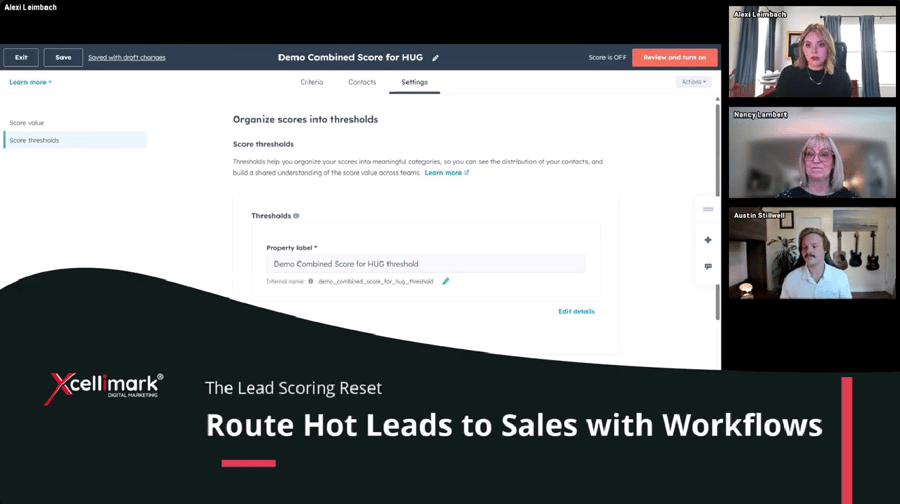
This video snippet from Xcellimak training demonstrates how to automate lead routing to sales teams using lead scoring thresholds in HubSpot workflows. The speaker explains the process for ensuring high-intent leads are followed up on immediately.
Overview
Key highlights of the workflow setup include:
-
Triggering based on thresholds: The workflow is set to trigger when a contact's lead score threshold is updated to A1, A2, or B1, indicating they are highly fit and engaged.
- Smart Owner Assignment: The workflow rotates the contact to a sales owner without overwriting the existing owner if one already exists, preventing interruption of current relationships.
- Internal Notifications: An internal email notification is automatically sent to the assigned sales rep, including personalization tokens like the contact's name and score to provide immediate context for outreach.
Need help putting this into practice?