
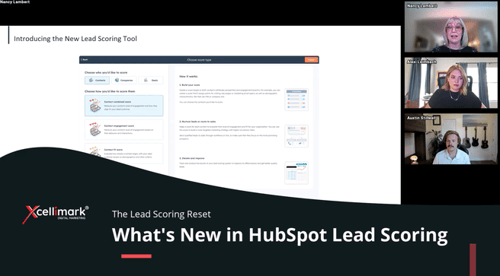
HubSpot has officially phased out its legacy lead score property and replaced it with a powerful, flexible new Lead Scoring tool. The new Lead Scoring tool unlocks[...]

Filter Blog:
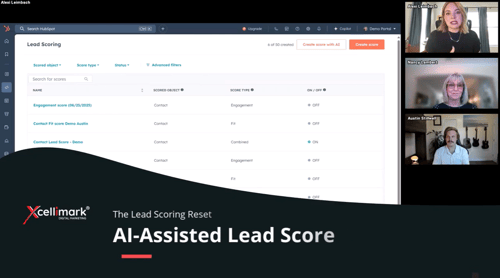
This video discusses HubSpot's AI lead scoring feature, explaining how it works and its benefits.
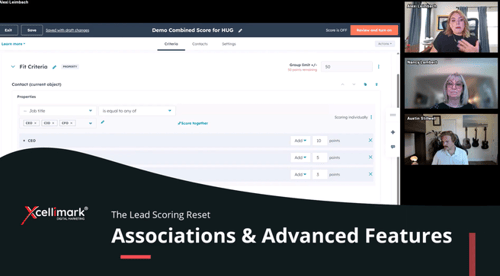
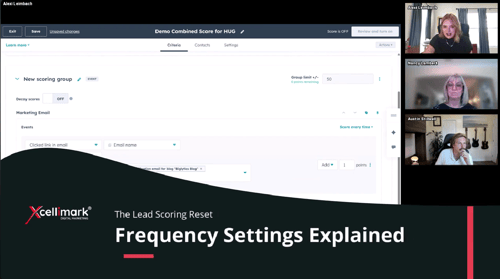
This video clip from the Xcellimark HUG event explains how to use frequency settings in HubSpot lead scoring to fine-tune how repeated actions impact a lead's score.
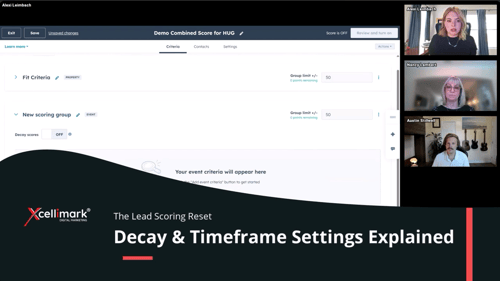
This video snippet from an Xcellimark event explains how to use decay and timeframe settings in HubSpot to create more accurate, time-sensitive lead scoring models.[...]
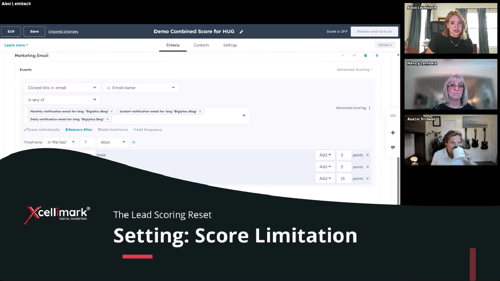
This video highlights techniques for preventing runaway lead scores in HubSpot by setting limitations on individual scoring criteria.
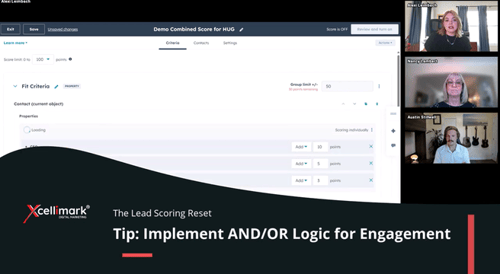
The new HubSpot Lead Scoring tool doesn’t currently support AND/OR logic across multiple engagement events in its scoring UI — but with a smart workflow strategy,[...]
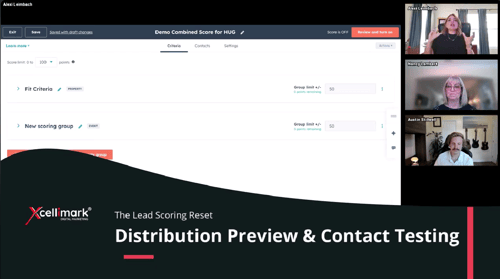
This video outlines how to test and validate a HubSpot lead scoring model to ensure accuracy before launching it for sales follow-up or automation.
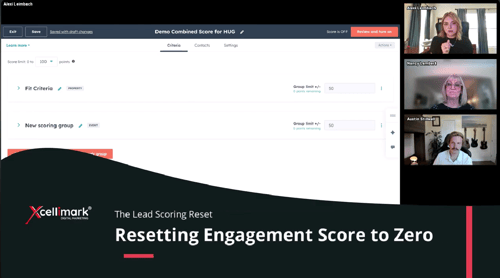
his video from Xcellimark training clip explains how and when to reset a contact's engagement score to zero in HubSpot when they go cold, such as after an[...]
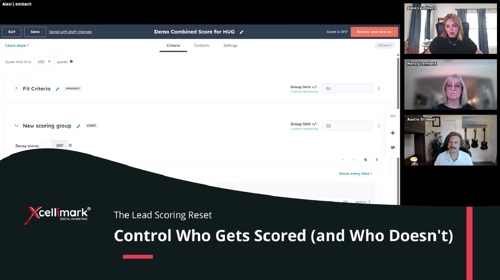
This video from Xcellimark explains how to use HubSpot's Lead Scoring Settings to specifically control which contacts get scored and which are excluded. Instead of[...]
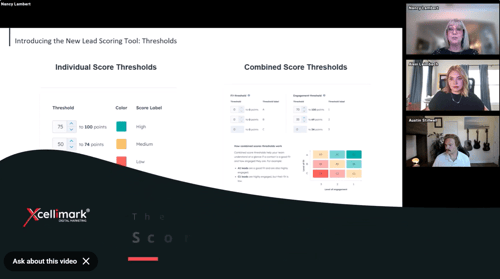
The video explains how to use lead scoring thresholds in HubSpot's new Lead Scoring tool.
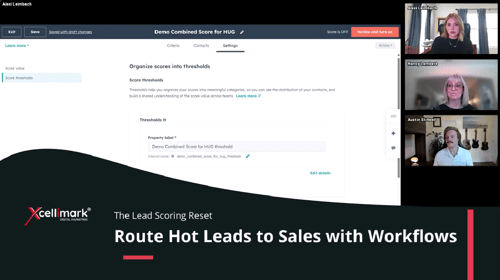
This video snippet from Xcellimak training demonstrates how to automate lead routing to sales teams using lead scoring thresholds in HubSpot workflows. The speaker[...]
This training provides an introduction to AI Search Optimization. It covers the evolution from traditional SEO to new terms and strategies for AI search.
This video provides a live demonstration comparing various AI search tools—ChatGPT, Perplexity, and Microsoft Copilot—with traditional Google search.
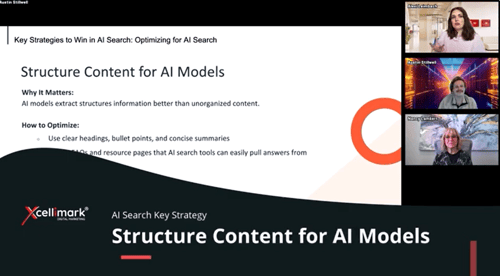
This video discusses the importance of structuring content for AI search engines to improve crawlability, interpretation, and ranking of web pages.
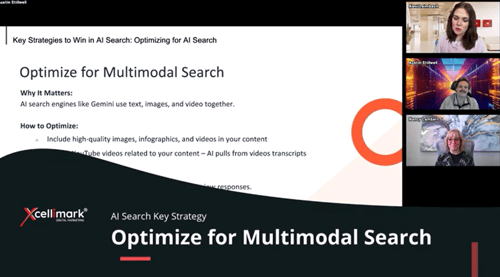
This video discusses optimizing content for multimodal search, which AI search engines are increasingly prioritizing.
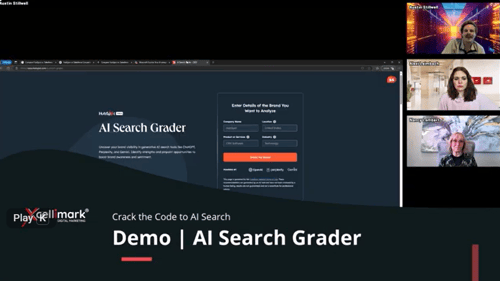
This video provides a live demo of HubSpot's AI Search Grader, a free tool designed to help businesses understand their visibility in AI-powered search engines like[...]
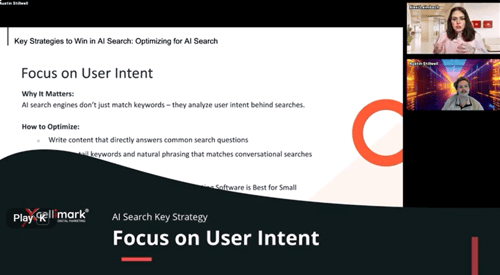
This video emphasizes the importance of user intent in AI search optimization. It explains that AI, unlike traditional SEO, focuses on understanding why a user is[...]
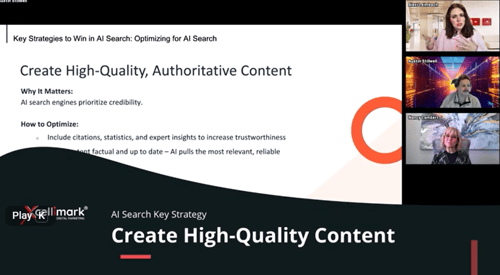
This video discusses how to create high-quality, authoritative content that ranks well in AI-powered search engines like ChatGPT, Perplexity, and Microsoft Copilot.
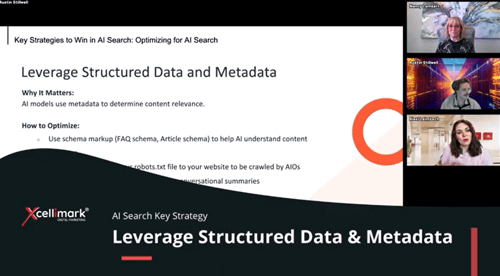
This video discusses strategies for optimizing content to surface in AI-powered search engines like ChatGPT, Perplexity, and Gemini.
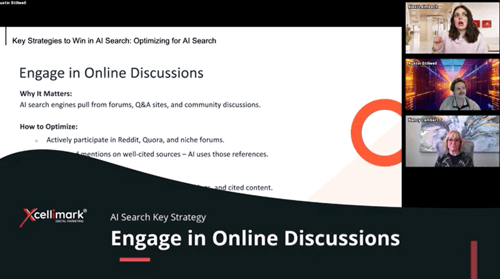
This video emphasizes the importance of engaging in online discussions, particularly on platforms like Reddit and Quora, for improving visibility in AI search[...]
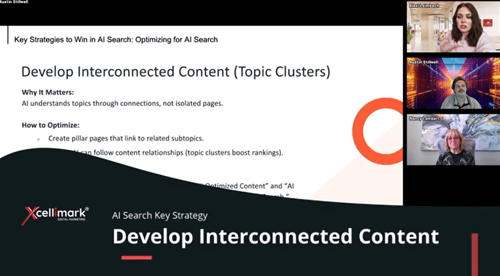
This video explains how topic clusters are essential for organizing website content for both users and AI search engines.
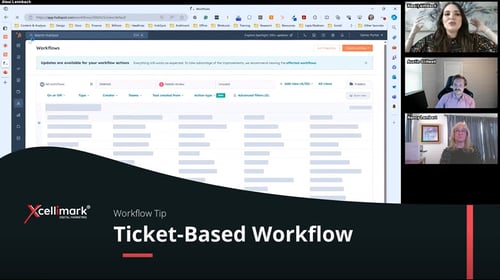
In the latest ‘How to HubSpot’ series installment, we’re tackling the creation of a ticket-based workflow, an increasingly relevant tool with the introduction of[...]
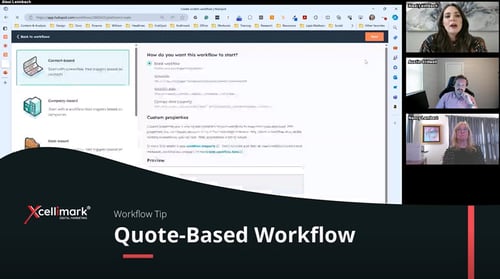
In this part of our ‘How to HubSpot’ series, we set up a quote-based workflow, an essential tool for sales teams in managing quote approvals. Video Overview How to[...]
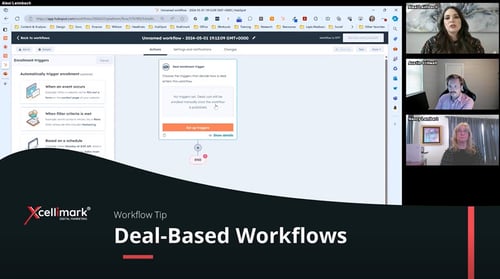
This HubSpot training explains the use case of building a workflow to send appointment reminders. For example, a doctor's office sends an email reminder to patients[...]
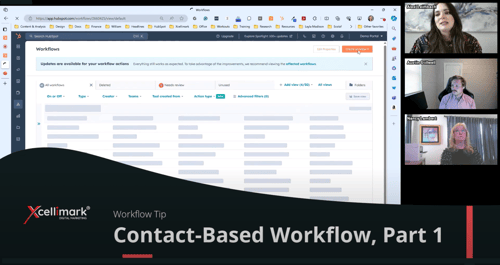
This HubSpot training explains how to assign leads to a team based on their location and sends the new lead a marketing follow-up email with pricing information[...]
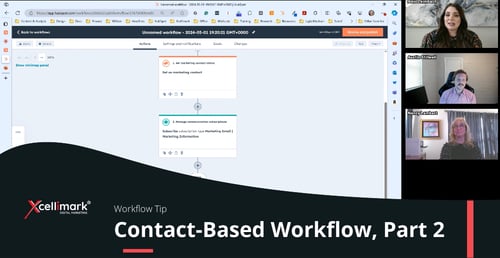
This HubSpot training discusses a contact-based use case where someone fills out a form on a website and needs to be subscribed to receive marketing communications.[...]
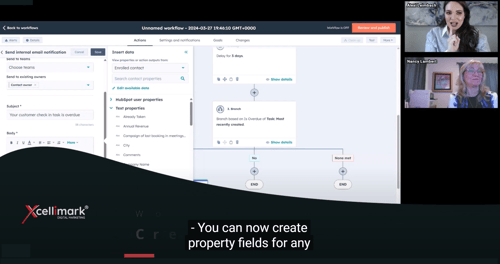
This HubSpot training highlights that users can now create property fields for records directly within workflows. Previously, users had to leave the workflow,[...]
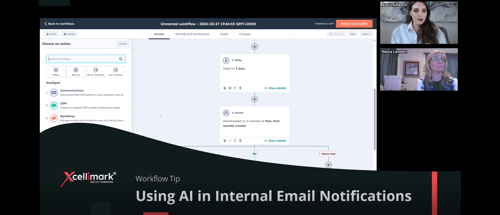
This HubSpot training covers a new AI feature that enables users to send internal email alerts to contact owners regarding overdue tasks. Additionally, the AI tool[...]
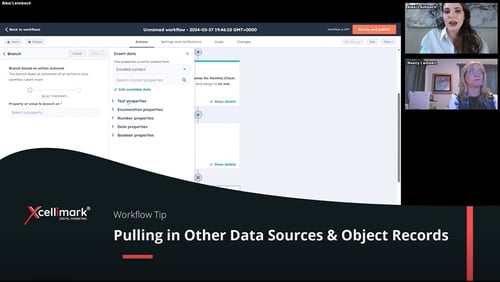
This informative HubSpot training introduces a fresh approach to organizing property fields based on their type. The training provides insights on how to incorporate[...]